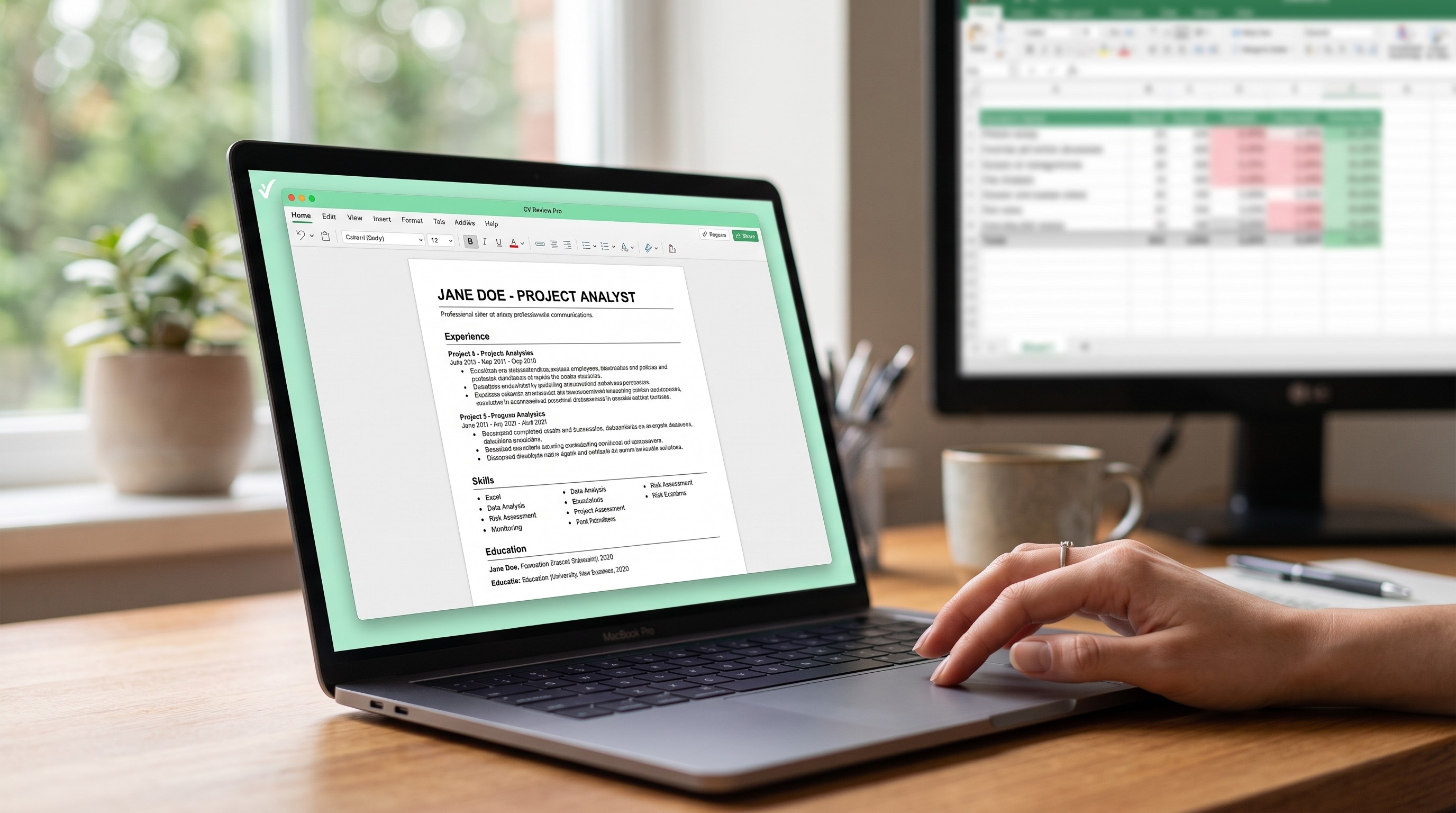
A candidate spends a weekend building a CV that looks genuinely good. Clean two-column layout, a skills graphic with little bars showing proficiency, a tasteful header with contact details in the top corner. It goes out to thirty jobs. Nobody replies, not even a rejection. The candidate assumes the market is brutal, or the experience is not strong enough, and neither is true. A machine read the file first, misread most of it, and a human never saw it at all.
This is the most common invisible failure in job searching today, and it is almost entirely fixable once you understand what is actually happening to the file after you click submit.
What an ATS actually is
An Applicant Tracking System is software that employers use to collect, sort and search applications. At a small company this might be a simple inbox with a spreadsheet. At any mid-sized or large employer, it is a dedicated system, and the CV is not read so much as parsed: broken into fields, extracted, and stored as structured data a human can filter and search later.
The critical detail most candidates never learn is that parsing and reading are different operations with different rules. A human reading a CV understands context, layout and design intuitively. Parsing software follows a fixed set of rules about where text sits on a page and what tags surround it, and when the document does not match those rules, the extraction fails silently. Nobody gets an error message. The recruiter searching for "budget management" simply never finds you, because the system filed your experience under the wrong field or missed it entirely.
What actually breaks a parse
Four design choices cause the overwhelming majority of parsing failures, and all four are common in CV templates specifically because they look good to a human eye.
Multi-column layouts. Most parsers read left to right, top to bottom, in a single stream. A two-column CV with your experience on the left and skills on the right does not parse as two separate lists. It parses as one line from the left column, then one line from the right column, alternating, producing a jumbled sequence that associates the wrong dates with the wrong jobs.
Tables. The same problem in a different shape. A table used to lay out your skills in a neat grid is, to many parsers, either skipped entirely or flattened into a single unreadable line. Some modern systems handle simple tables acceptably; none of them handle this reliably enough to bet a job search on it.
Text inside images or graphics. A skills bar chart, an icon-based contact block, a stylised header built as a graphic element rather than as text: all of this is invisible to a parser. It cannot read pixels. If your phone number is part of a designed graphic rather than typed text, there is a real chance the system stores no phone number for you at all.
Headers and footers. Contact information placed in a document header or footer, which looks clean and professional in a PDF viewer, is a known blind spot. Several major parsing engines do not read header or footer content by design, treating it as the kind of decorative metadata a resume should not rely on. A candidate who put their phone number in the header has, as far as the system is concerned, no phone number.
Keyword matching, and what it actually rewards
The second mechanism worth understanding is how a CV gets found once it is correctly parsed and stored.
Recruiters search the database of parsed CVs much like they would search any other structured data: by keyword, filtered by field, sorted by date. A recruiter filling a "Senior Financial Analyst" role with "advanced Excel" as a requirement will often search those exact terms. A CV that says "built complex spreadsheets to track departmental spend" contains the same skill in substance and will not surface in that search, because the words do not match.
This is not a system rewarding buzzwords over substance. It is a system that can only find what was typed. The practical response is not to stuff a CV with invisible keyword lists, which several major systems now detect and flag as manipulation, actively working against the candidate rather than for them. The response is to mirror the specific language of the job advert wherever it accurately describes what you did: if the posting says "stakeholder management" and that is genuinely part of your role, use that exact phrase rather than a synonym you personally prefer.
Why a "creative" CV can be the worst choice
The irony is that the CV templates most likely to impress a person on first glance are frequently the ones a parser struggles with most, because visual polish and machine-readability are solving for different things entirely.
This does not mean every applicant needs a plain, ugly document. It means the safest strategy is a CV built in a single column, using standard section headings, with the design restraint applied to typography, spacing and consistency rather than to layout tricks. Some of the most effective CVs, from a pure survival standpoint, are the least visually adventurous: single column, standard fonts, clear headings, and every piece of contact information typed as plain text in the body of the page, never in a header, footer or graphic.
The format that travels best
File format matters almost as much as layout. A Word document (.docx) generally parses more reliably than a PDF, because the internal structure of a .docx file is more consistently standardized for text extraction. Modern parsers have improved significantly at reading PDFs, and a well-built single-column PDF is usually fine, but a PDF saved from a design tool such as a graphics editor, rather than a word processor, is far more likely to store its content as visual elements rather than extractable text.
The safest practical habit, where an employer's application form allows a choice, is to submit a .docx unless the posting specifically requests a PDF. Where only a PDF is accepted, exporting directly from a word processor rather than a design application meaningfully lowers the risk.
A five-minute test before you apply
There is a simple way to approximate how a parser will see your CV, without needing access to the software companies actually use.
Open the file, select all the text, copy it, and paste it into a completely plain text editor with no formatting at all. What survives that paste is close to what many parsing systems extract. If your work history turns into a jumbled mess of interleaved lines, if your phone number disappears because it lived in a header, or if a skills section vanishes because it was built as an image, you have found the exact failure a hiring system would hit, before a real application suffers for it.
What this does and does not explain
It would be a mistake to treat ATS formatting as the explanation for every silent rejection. Plenty of well-parsed, perfectly formatted CVs are turned down because the experience genuinely does not match the role, because another candidate was simply stronger, or because the position was filled internally before the posting closed. Fixing parsing issues does not guarantee an interview. It only guarantees that a human being, rather than a formatting accident, gets to make that decision.
That distinction is worth sitting with. A CV that never gets read cannot be judged on its merits at all, which means every hour spent on a beautifully designed but unparseable document is an hour spent optimising for exactly the audience who will never see it.